

What exactly is Noor? Known to most families simply as the Noor system, it is the Ministry of Education's online platform for running general education in the Kingdom, officially titled the Noor Platform (Educational Information System). It links schools, education departments and the ministry itself through a single database that follows each student from enrolment through exams, attendance and certificates. Millions of families log in every term, so this guide brings together what parents, students and teachers need to know, based on what the ministry publishes on its own pages.
When did Noor start? The ministry launched it in 1432 AH, or 2011, replacing an older system called Al-Maaref that every school had run separately since 1999. Its first job was to manage secondary school exams centrally, from entering marks to printing certificates, before it was extended to every school stage. Today it works on three levels (ministry, education department and school) and contains about 25 sub-systems covering exams, timetables, student counselling, school transport, kindergartens, special education, gifted students and more. The database team at the ministry's General Directorate of Digital Transformation looks after its data.
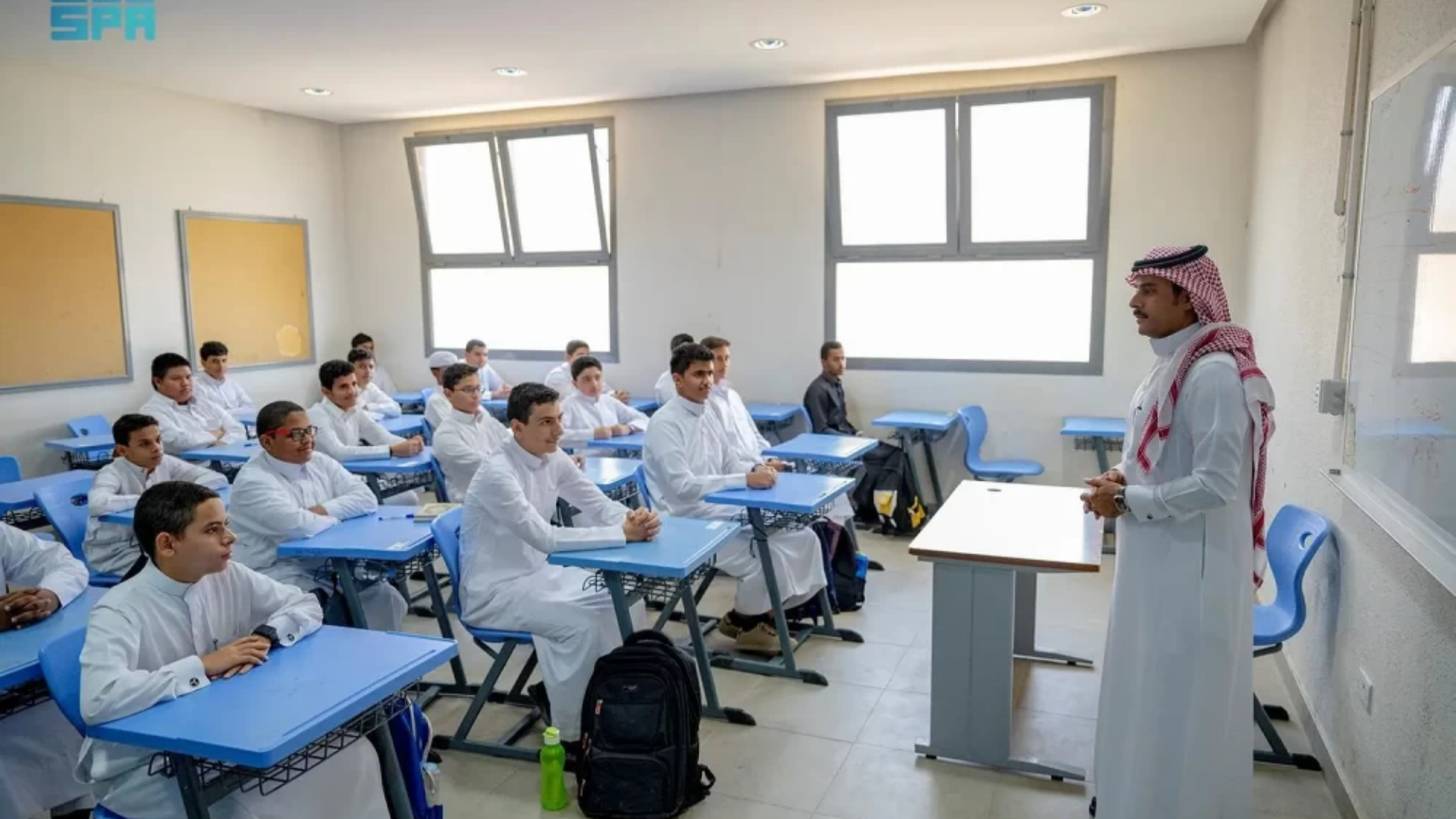
How big is it? When we checked the platform's home page on 29 October 2026, it listed more than 400 main services, more than 6 million students, more than 600,000 teachers, over 13 million users and more than 3.3 billion electronic transactions. The project has also collected awards over the years, among them the World Summit on the Information Society prize in Geneva in 2012 and an IDC Smart Cities award in 2018 as the best smart education application.
Who can log in? The home page offers seven separate entry points, one for each type of user:
- Students.
- Parents and guardians.
- School principals.
- Teachers.
- Educational supervisors.
- Education department staff.
- Ministry staff.
How does a parent sign in? The steps are short, and the one rule that matters is to start from the ministry's own website rather than a link forwarded in a message:
- Open the Noor platform from the Ministry of Education website and press the login button.
- Choose the parent entry point.
- Type your username and password, then the verification code, which changes on every attempt.
- Once inside, the children linked to your account appear, and each name leads to that student's record, marks and services.
How do I register a child for kindergarten or first grade? Registration is done from the same parent account. Following the steps the ministry set out for kindergarten enrolment, the request goes like this:
- Sign in with the parent account and choose the option to register a new student.
- State your relationship to the child and enter the child's ID number and date of birth.
- Pick the grade, then fill in personal, contact and address details.
- Choose a school within your education department, confirm the data is correct and submit.
For kindergarten, the ministry set the age at three completed years and under six. It helps to have the birth certificate, vaccination certificate and a personal photo of the child ready before starting; those were the papers listed when enrolment opened in 2022.
Which services can parents use? The Noor page in the ministry's service guide lists thirteen online services. Among the most used:
- Looking up the schools of your children.
- Viewing a student's academic file and printing the certificate.
- Moving a student to another school.
- Signing a student up for summer term or for school transport.
- Requesting a replacement certificate for the primary stage.
- Printing an enrolment letter for a regular student.
- Reserving the certificate of a student with unpaid fees, and registering courses in schools that use the course system.
Where do results and certificates appear? Parents can see term marks and final results from the student's file inside Noor. The ministry also publishes a phone app, Madrasati Results, which shows the current year's results, the student profile and the school calendar, and it accepts the same Noor account. For older certificates, the ministry runs a separate service called Nataeji, where certificates from all school years can be viewed. Next year's results season is still months away, but our earlier explainer on Noor Technology Serving Students gives more background on what the system was built to do.
What are the common problems? Three come up again and again. The first is fake login pages that spread around results time; the answer is to enter only through the ministry's site. The second is a child missing from the account or showing wrong details, and here the school is the place that corrects student data in the system. The third is a failed login or a forgotten password, for which the ministry offers its Tawasul service, the official channel the Noor home page points users to for complaints and questions.
What is the latest official update? The ministry refreshed the Noor page in its service guide on 3 Muharram 1448 AH, keeping the login link, the user guide and the list of thirteen services. In the current school year, which began with more than 6 million students returning to classrooms across the Kingdom, Noor remains the gateway for all of their records. Parents keeping an eye on other assessments this year can also read our report on the NAFIS national tests held in schools across the Kingdom.