


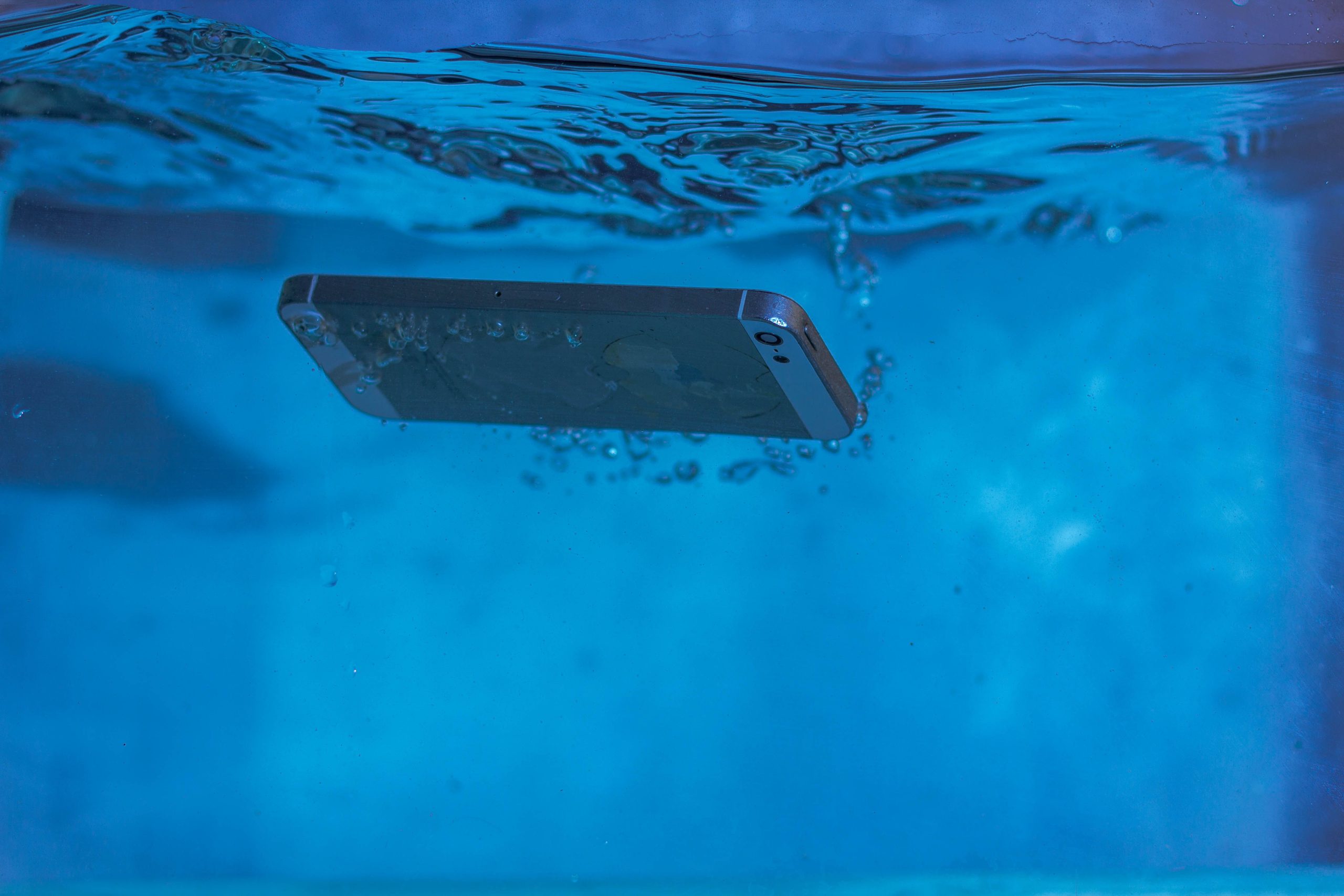
Accidentally dropping an iPhone in water can be stressful, but modern iPhones are designed with improved water resistance. However, charging the device before the charging port is completely dry could cause permanent damage.
Apple recommends waiting anywhere from 30 minutes to 24 hours before reconnecting a charging cable, depending on how long it takes for the charging port to dry.
What Happens When Water Is Detected?
Modern iPhones can detect moisture inside the charging port and automatically display a warning message that temporarily disables wired charging to protect the device.
The warning varies depending on whether the iPhone uses a Lightning or USB-C connector, but in both cases Apple advises disconnecting the charging cable immediately.
What Should You Do?
Apple recommends the following steps after your iPhone comes into contact with water:
- Disconnect the charging cable immediately.
- Hold the iPhone with the charging port facing downward and gently tap it against your hand to help remove excess liquid.
- Leave the device in a dry, well-ventilated area.
- Wait at least 30 minutes before attempting to charge it again.
- If the warning message remains, continue drying the device for up to 24 hours before trying again.
What Should You Avoid?
Apple specifically advises against several common drying methods, including:
- Placing the iPhone in a container of rice.
- Using a hair dryer or any external heat source.
- Inserting objects into the charging port.
- Blowing compressed air into the connector.
The company also recommends checking that the charging cable and power adapter have not been exposed to water before using them again.
Water Resistance Has Limits
Although many recent iPhone models carry an IP68 water-resistance rating, Apple notes that water resistance is not permanent and can decrease over time due to normal wear or accidental damage.
Allowing the charging port to dry naturally and following Apple’s recommendations can significantly reduce the risk of damaging the connector or internal components, helping keep the device functioning safely after accidental water exposure.